
Modern drones have become technological marvels, equipped with advanced sensors and intelligent flight systems that make piloting accessible to everyone. Devices from DJI essentially hover in the sky, providing pilots with immense confidence. However, there is a critical flight setting that activates when signals drop or sensors fail. This is known as DJI Atti Mode, a term that often makes even experienced pilots nervous. Understanding this mode is essential for any professional pilot. In this comprehensive guide, we will dive deep into the secrets of manual flight and how you can prepare for unexpected emergencies.
What Exactly is DJI Atti Mode?
Short for Attitude Mode, this flight state occurs when the auxiliary technologies your drone uses to maintain its position—such as the GPS (Global Positioning System) and VPS (Visual Positioning System)—are completely disabled. When this mode is active, your flight becomes 100% manual. Your aircraft will only use its internal Barometer sensor to maintain its current altitude. Crucially, there is no electronic braking or stabilization system to prevent it from drifting horizontally with the wind.
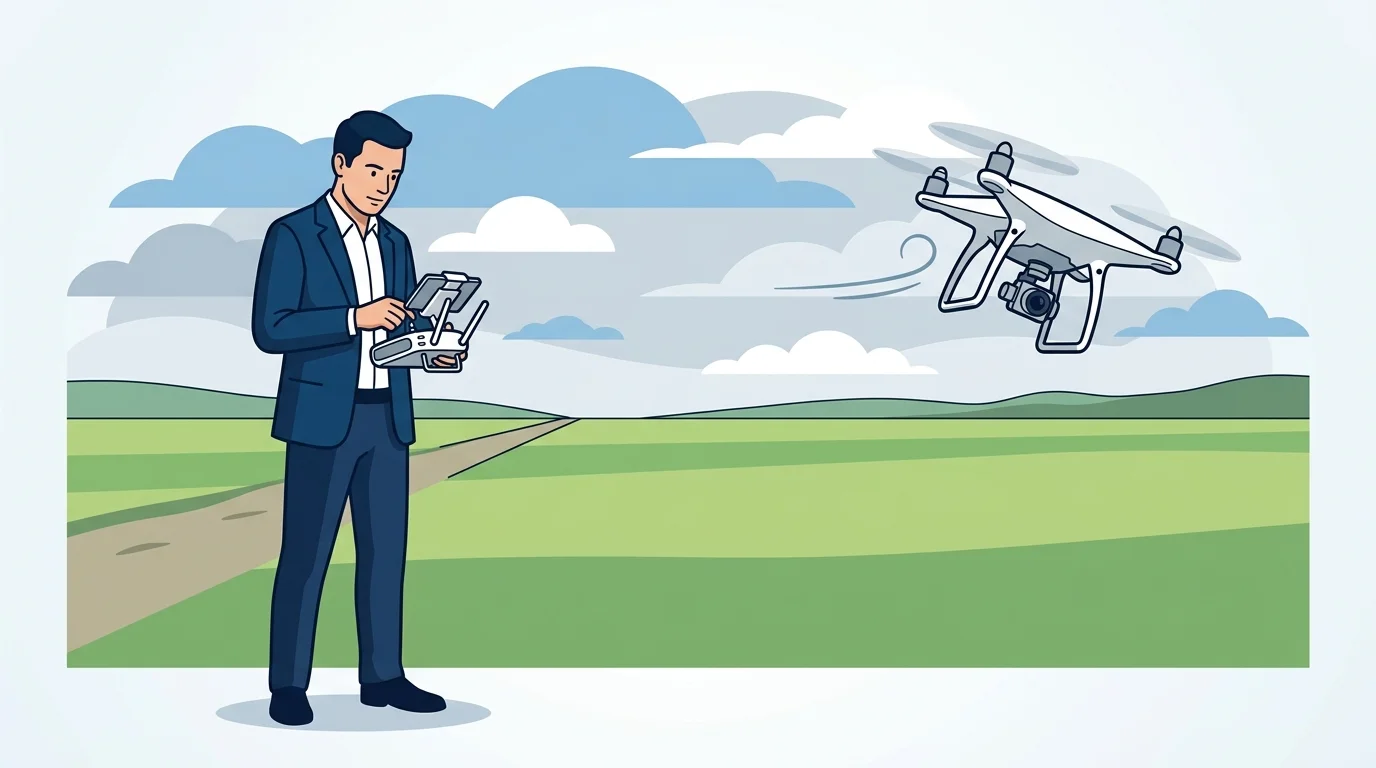
In a standard flight, the moment you release the control sticks, the drone instantly brakes and hovers in place as if nailed to the sky. But when DJI Atti Mode is active, releasing the sticks means the aircraft will continue to glide based on its existing momentum and the wind direction. While this can feel like a runaway drone to beginners, it simply means the autopilot system has stepped aside, leaving you in full control.
Why Does Your Drone Automatically Switch to Atti Mode?
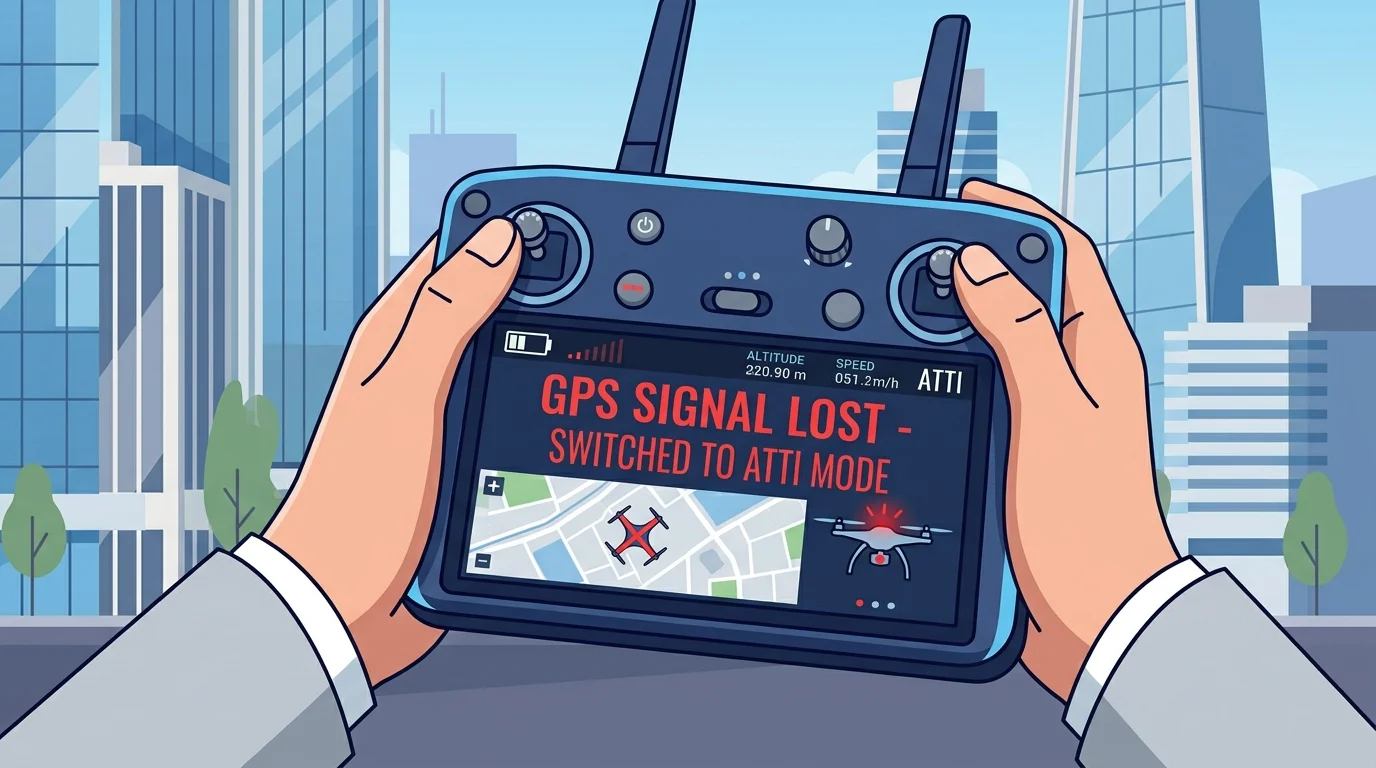
Most of the time, pilots do not choose to enter this mode; environmental factors force the transition. There are four primary scenarios where your drone’s safety protocols will automatically trigger manual flight:
- Weak Satellite Signals: When flying indoors, in dense forests, or between tall buildings, losing your GNSS (Global Navigation Satellite System) connection forces the drone to protect itself by switching modes.
- Magnetic Interference and Compass Errors: Flying near massive metal structures, high-voltage power lines, or cell towers can confuse the compass, causing the system to behave as if it has crashed.
- Visual Sensor Deception: Highly reflective surfaces like water or monochromatic terrain covered in snow can prevent Optical Sensors from accurately judging depth.
- Sensor Contamination: Dust, mud, or debris on your camera lenses from a lack of pre-flight cleaning will block the system’s ability to read the environment.
The Hidden Advantages of Flying in Atti Mode
Although it might seem like an error or an emergency scenario, DJI Atti Mode is actually a technique frequently utilized by professional cinematographers and seasoned pilots. The advantages of this mode allow you to bypass the limitations of standard flight settings.
1. Smoother and More Cinematic Footage
Under normal conditions, your drone makes hundreds of micro-adjustments per second to fight the wind and hold its position. These tiny corrections can cause unwanted jitter and robotic movements in your video recording. When the autopilot is disabled, the drone glides through the air like an ice skater. This allows you to achieve Hollywood-quality, incredibly smooth, and natural panning shots.
2. Emergency and Crisis Preparedness
Things can go wrong in the sky at any moment. A sudden gust of wind at 40 km/h or an unexpected signal loss can lead to disaster. Mastering manual flight dynamics ensures you can safely bring the aircraft home without panicking. This skill is the most fundamental way to protect not just your expensive equipment, but also people and structures on the ground.
3. Safe Operations in Confined Spaces
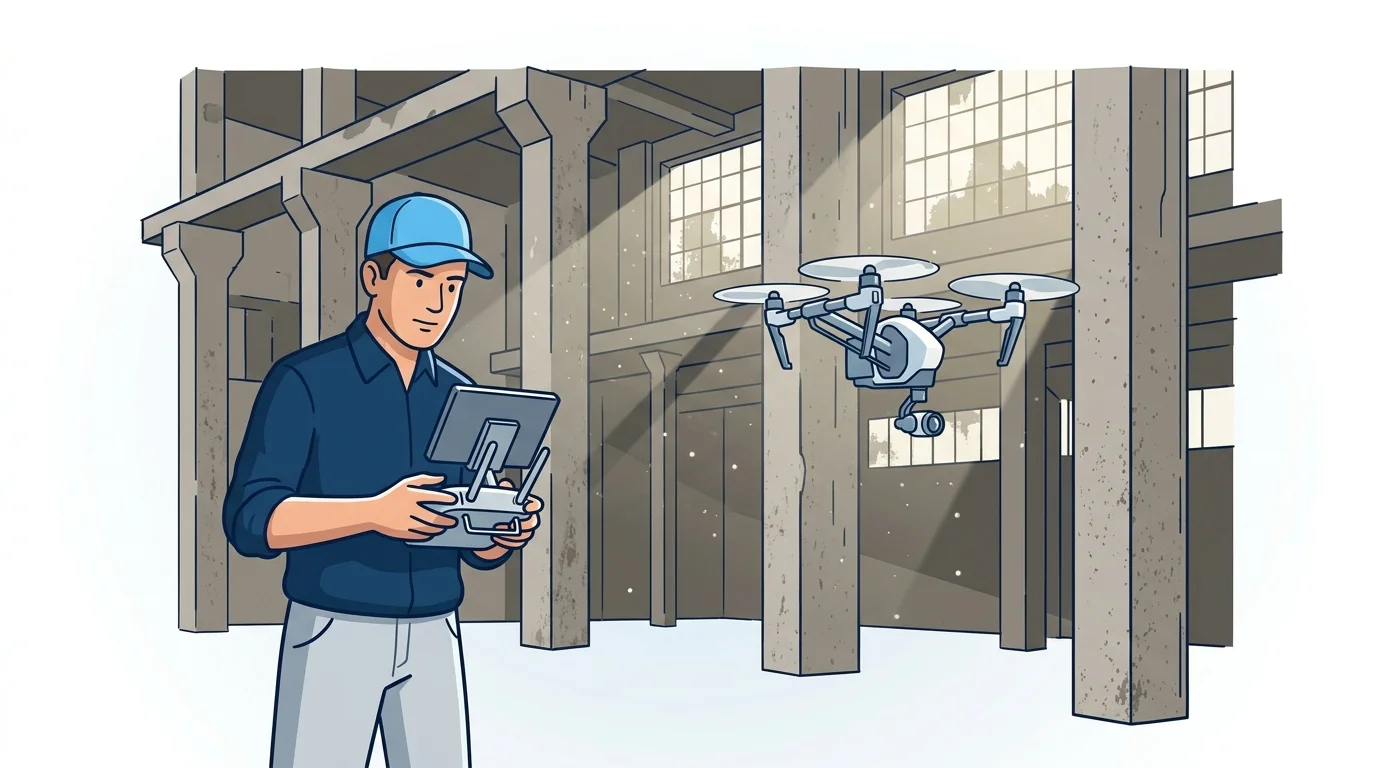
Searching for a satellite connection in factories, warehouses, or caves is dangerous. The drone might suddenly dart left or right while trying to lock onto weak signals. Switching to manual control from the start in these environments allows you to plot a predictable and stable flight path.
Can You Manually Enable Atti Mode on Newer DJI Drones?
As drone technology has evolved, so has the manufacturer’s approach to flight safety. In the past, legendary models like the Phantom 4 or Inspire 2 featured a physical switch on the remote controller, allowing the pilot to engage manual flight at will. Today, the landscape is slightly different.
For modern consumer-focused devices like the Mavic 3, DJI Mini 4 Pro, or Air 3, this physical switch has been removed. The manufacturer made this decision to prevent novice users from accidentally triggering the mode and crashing. Consumer series drones now only default to this mode when the system detects an error. Understanding your specific controller hardware and its Firmware is vital to knowing how your drone will react. Conversely, on enterprise devices like the Mavic 3 Enterprise, this mode can still be manually activated via specialized applications for training and complex operations.
Golden Tips for Mastering Manual Flight
If you have only ever relied on satellite-assisted flying, transitioning to manual control is like learning to ride a bike all over again. You need to reprogram your muscle memory and feel the physical responses of the aircraft. Here is some critical advice to get you through this learning curve without a crash:
Choose Wide and Open Spaces
When practicing, ensure there are no trees, buildings, or bodies of water nearby. Keep in mind that the drone’s stopping distance will be 3 times longer than normal. Before heading out, always check your local no-fly zones to avoid any legal complications while you practice.
Start with Basic Maneuvers
On your first manual flight, try to keep the device at eye level, around 5 meters high. Focus purely on hovering exercises. When the drone drifts with the wind, practice giving gentle counter-commands to bring it back to the center. Once comfortable, you can move on to more complex maneuvers like flying in a “figure 8” pattern.
Constantly Monitor the Weather and Wind
Wind is your biggest adversary during manual flight. Even a mild breeze of 15 km/h in an open field can push your aircraft far away in seconds. As a beginner, strictly stick to calm, windless days. As you gain experience, you can test your reflexes in light winds.
Use Affordable Drones for Training
Instead of risking your primary drone worth thousands of dollars, you can practice indoors with a toy-grade drone that lacks sensors. Alternatively, purchasing an older, used drone is a great way to develop this skill. Doing so minimizes the financial risk if you happen to damage a LiPo battery or crash the unit during your learning phase.
In summary, DJI Atti Mode is a true test of our piloting skills in an era where technology often makes us complacent. Rather than viewing this mode as a flaw or an error, you should see it as a powerful tool that will elevate your flying abilities and turn you into a true aerial photographer. Remember, the best pilot is the one who knows exactly what to do when things go wrong.
Frequently Asked Questions
What is DJI Atti Mode and what does it do?
DJI Atti Mode (Attitude Mode) is a manual flight setting where the drone disables its GPS and visual positioning sensors. It relies solely on its internal barometer to maintain altitude, meaning the pilot must manually control horizontal movements and counteract wind drift.
Why does my drone automatically switch to Atti mode?
Your drone will automatically switch to Atti mode as a safety precaution if it loses its GNSS connection, experiences compass errors due to magnetic interference, or if its visual sensors are blocked by dirt or deceived by reflective surfaces.
Can I manually switch to Atti mode on a Mavic 3 or Mini 4 Pro?
On modern consumer drones like the Mavic 3 and DJI Mini 4 Pro, the physical switch for Atti mode has been removed to protect beginners. These drones only enter this mode automatically during sensor or signal failures, though enterprise models still allow manual activation via specialized software.
Is it safe to fly in Atti mode indoors?
Yes, flying in Atti mode is often safer indoors. In confined spaces, a drone might behave erratically while trying to connect to weak satellite signals. Using manual control provides a more predictable and stable flight path.
How should I practice flying in Atti mode?
Start in wide, open areas on days with little to no wind. Begin by simply hovering at a low altitude and gently correcting the drone's drift. Using a cheaper, toy-grade drone to practice can also help build muscle memory without risking your expensive equipment.