
DJI IMU Error Explained (Visual Guide & Definitive Solution)
One of the situations drone users fear most during flight is the device drifting uncontrollably to one side, or red error messages appearing on screen. If you see an “IMU Calibration Required” or “IMU Error” warning in the DJI Fly or DJI GO 4 app, it means your drone’s balance center has shifted.
In this guide, we answer in full detail the questions of what is an IMU, why does it fail, and how to properly calibrate your IMU — essential knowledge for all DJI models including the Mavic, Mini, and Air series.
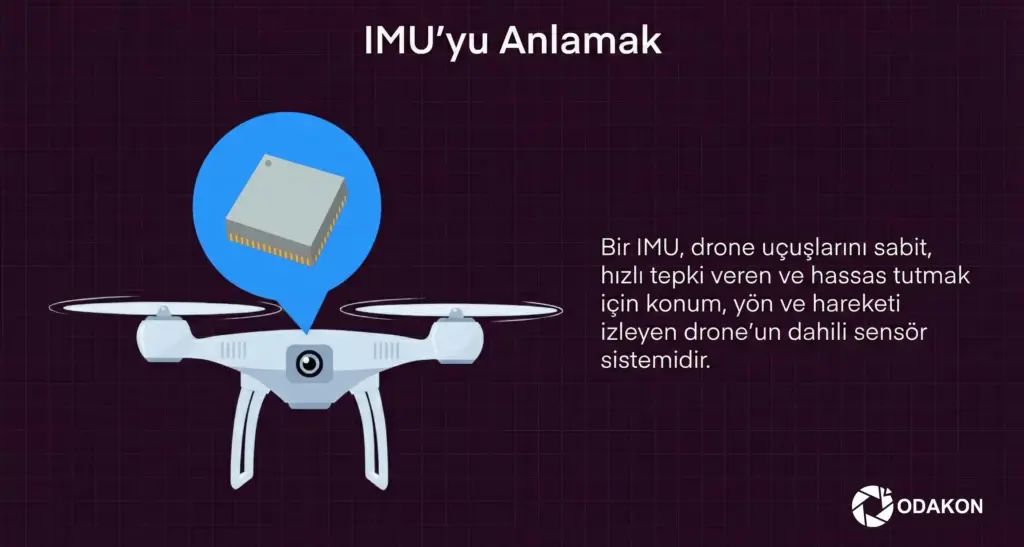
What Is an IMU? (The Drone’s Inner Ear)
3 Core Components of the IMU
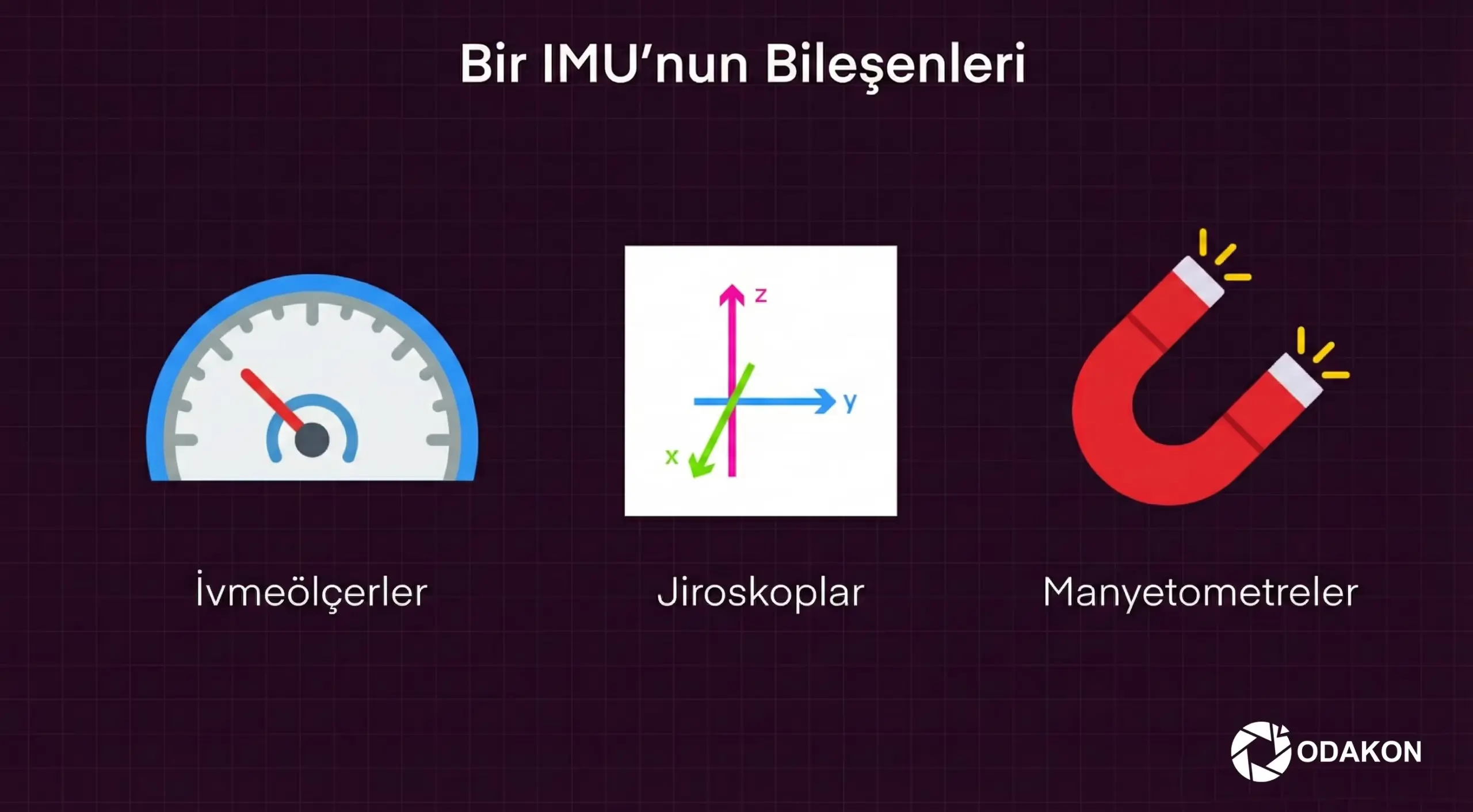
- 1. Accelerometer: Measures acceleration and deceleration.
- 2. Gyroscope: Measures the device’s tilt (angle) on horizontal and vertical axes.
- 3. Magnetometer: Measures the magnetic field, finds direction, and calculates deviations.
The flight controller calculates how much power to deliver to the motors based on second-by-second data from the IMU. If the IMU data is wrong, the drone may drift sideways or crash while thinking it’s flying level.
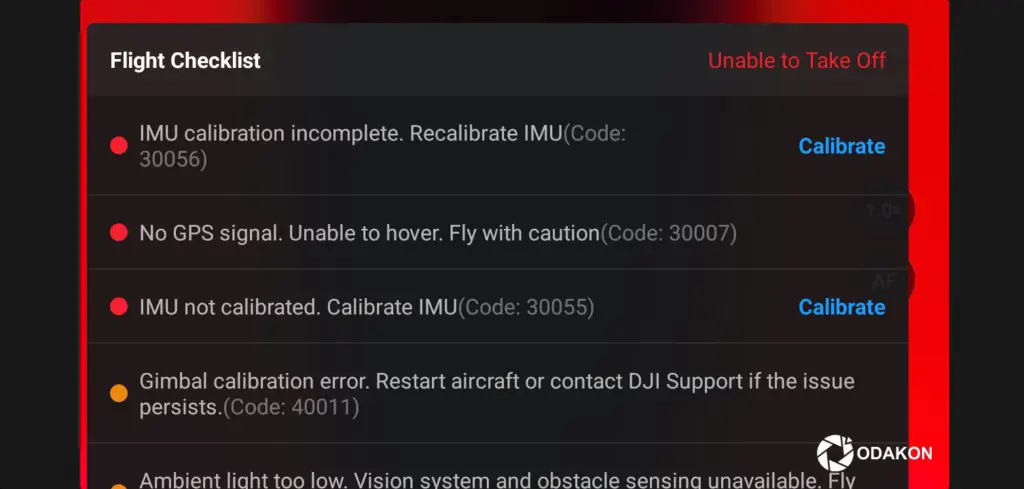
What Causes IMU Errors?
A drone doesn’t give an IMU error out of the blue. These triggers are usually responsible:
How Do You Know There’s an IMU Problem?
Even without an error message, the following symptoms indicate that IMU calibration is needed:
- The drone can’t hold a hover — it constantly pulls in one direction (Drift).
- The horizon line in the camera view appears crooked.
- The gimbal behaves erratically during yaw (rotation) movements.
- The app displays a “System Error” or “Check App” warning.
Step-by-Step: How to Perform DJI IMU Calibration
Although the calibration process may seem simple, even the slightest mistake can cause it to fail or make the drone fly worse. Here are the professional calibration steps:
Preparation Phase (Very Important!)
- Remove the Propellers: For safety, never calibrate with propellers attached.
- Surface Selection: Find an absolutely flat (level) surface. Do NOT calibrate on carpet, a couch, or a bed. Marble or a flat table is best.
- Battery Level: Make sure the drone battery is at least 50% charged.
- Temperature: The device should preferably be cool. If you just flew, wait for it to cool down.
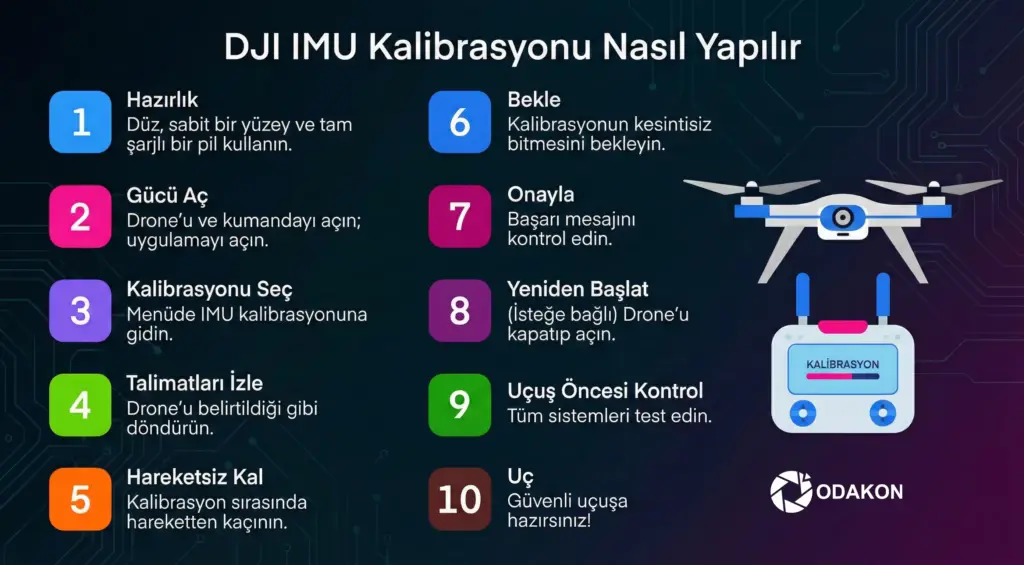
In-App Calibration (DJI Fly & GO 4)
Step 1: Turn on the drone and controller, connect your phone. Step 2: Tap the three dots (…) in the top right to enter settings. Step 3: Go to the “Safety” tab and scroll down. Step 4: Press the “Calibrate” button next to where it says “IMU Normal.”
(A guide will appear on screen telling you to position the drone in 5 different orientations. Follow the instructions.)
Positions:
- Belly Down: Drone in normal position, on its landing gear.
- Right Side: Stand the drone on its right wing.
- Left Side: Stand the drone on its left wing.
- Nose Up: Stand it on its rear legs with the camera facing the sky.
- Upside Down (Back Up): Flip the drone over (this step is sometimes required and sometimes not on Mavic models).
Critical Tip: When placing the drone in each position, never move it and wait for the calibration bar to fill. Vibration will ruin the process.
Step 5: When the process is complete, you’ll see “Calibration Successful.” Turn the drone off and back on (Restart).
Safe Response to Temperature-Related IMU Errors
Do not put the aircraft in a refrigerator or freezer. A rapid temperature change can create internal condensation, corrosion, battery damage and an invalid calibration. Let the aircraft return naturally to the operating/calibration temperature stated in its DJI manual in a dry indoor environment.
- Power off, remove the battery and let the aircraft reach room temperature without direct heat.
- If condensation is possible, do not power on until the aircraft is fully dry.
- Calibrate only when DJI Fly/DJI Pilot requests it, on a level, vibration-free surface and in the positions shown by the app.
- If the error repeats at normal temperatures, the IMU, main board or connections need technical inspection.
What to Do If Calibration Fails?
If it’s stuck at 99% or you’re getting a “Calibration Failed” error:
- The surface is definitely not flat — change location.
- There’s metal or a magnet nearby (under the table, in the wall) — move to another room.
- The drone’s internals are too hot — turn it off and let it cool down.
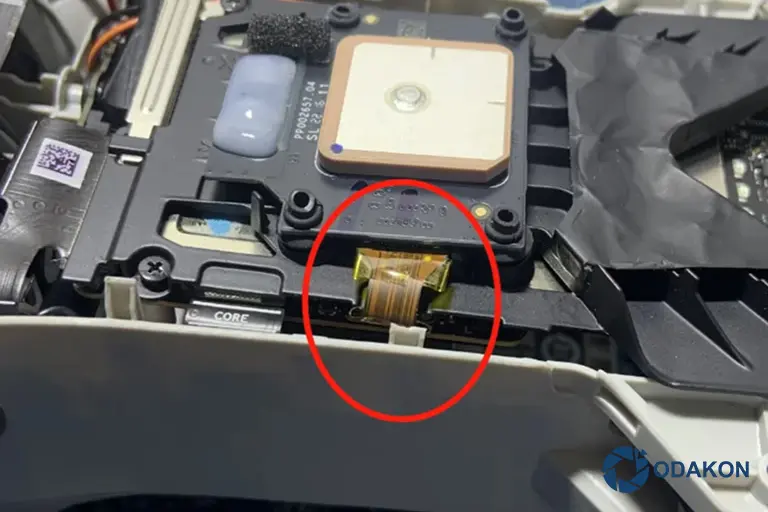
- If it still won’t fix despite all this, the IMU module may be physically damaged (impact-related). In this case, technical service support is mandatory.

Summary
The IMU is your drone’s balance system. Don’t panic when you get a DJI IMU error. Most of the time, a proper calibration on a flat surface will restore your device to its original stability.
For your flight safety, don’t forget to check IMU calibration after every major update or at least once a month!