
DJI Mavic Series Error Codes Troubleshooting Guide: Critical Faults from Mavic Pro to Mavic 4 Pro
The DJI Mavic series, from the original Mavic Pro to the latest Mavic 4 Pro, features some of the most advanced flight telemetry systems in the industry. This intelligent system instantly detects hundreds of different malfunctions across internal components such as Gimbal, ESC, IMU, and Battery.
When you see a red error code on your screen (such as “Gimbal Motor Overloaded” or “Battery Cell Error”), it’s not just a warning — it’s a safety lock that prevents your drone from crashing. Error codes are generally grouped by thousands; for example, the 4000X series indicates Gimbal issues, while the 1800X series points to motor problems.
In this guide, we’ve thoroughly covered the DJI error codes list and compiled safe solution steps from a technical service expert’s perspective.
First Response: Before Starting Fault Diagnosis
When you see a critical error code (usually in red with a forced landing warning), the first thing you should do is safely land the device and cut the power. Before moving to the diagnosis phase, follow these 3 rules:
- Battery Check: Make sure the battery is at least 50% charged for software operations.
- Physical Inspection: Check physical connections such as the battery slot and gimbal protector.
- DJI Assistant 2: Ensure the latest version of DJI Assistant 2 software is installed on your computer.
Section 1: Gimbal and Camera Errors (4000X Series)
Gimbal errors are common faults that directly affect shooting quality and usually arise from hardware jamming or calibration issues.
Error Code 40002: Gimbal Stuck
This is the most commonly encountered error from Mavic Pro to the Mavic 3 series. It indicates that stabilization is disabled because the gimbal motor cannot move.
- Possible Causes:
- User Error: The most common cause is forgetting to remove the gimbal protector (clamp) when powering on the drone.
- Mechanical Obstruction: Sand, dust, or grass particles entering between the motors.
- Impact Damage: The Gimbal Flex cable breaking or motor failure after a crash.
- Solution Steps:
- Remove the microSD card if one is inserted.
- With the power off, gently move the gimbal by hand in all directions (pitch, roll, yaw).
- If you feel resistance or jamming, clean with a fine brush or air spray.
- Turn on the device and start “Gimbal Auto Calibration” through DJI Fly.
Error Code 40012: Gimbal IMU Data Error
This code indicates that the data from the gimbal’s own Inertial Measurement Unit (IMU) is faulty.
- Solution: First, perform a firmware update and try auto calibration. If calibration fails repeatedly, the problem requires gimbal electronic control board or sensor replacement. In this case, professional services like odakon.com should be consulted.
Error Code 400XX: General Vision and Sensor Errors
This code group (for example, 40011 may also appear as a sensor error in some models) indicates that the Vision system cannot detect its surroundings.
- Solution: “Vision Sensor Calibration” should be performed through DJI Assistant 2.
Section 2: Motor and ESC Errors (1800X Series)
Electronic Speed Controller (ESC) errors involve critical components that regulate the current going to the drone’s motors. These errors disrupt flight balance and create serious crash risks.
ESC Status Error (1800X Series)
This indicates a motor malfunction, short circuit, or power delivery interruption.
- Causes:
- Thermal Damage: Burns in motor windings or overheating of the ESC board.
- Software Incompatibility: Outdated firmware.
- Mechanical Failure: Propellers jamming or foreign objects entering the motor.
Solution Steps:
- Physical Check: Remove the propellers and spin the motors by hand. Is there friction or jamming? Do you smell burning?
- Software Refresh: 65% of pilots solve this issue with a software refresh. Connect the drone to
- DJI Assistant 2 and “Refresh” the firmware.
- Reset: On some models, you can try an ESC reset by removing and reinserting the battery, then holding the control sticks down.
Warning: If the error persists despite software refresh, the problem is 99% hardware-related. If you get this error after a crash on models like the Mavic 3 Pro, the sensitive circuits on the motherboard may be damaged.
Section 3: IMU, Compass and Navigation Errors (3000X, 16X Series)
These are errors in the sensors that ensure the drone’s stable flight and accurate positioning.
Error Codes 30005 and 30055: IMU Calibration Error
These codes indicate that the IMU (the sensor that maintains the drone’s balance) needs to be calibrated. Usually caused by temperature changes or hard landings.
- How to Perform IMU Calibration: Place the device on a completely flat surface. Follow the path Settings > Safety > Sensors > IMU Calibration in the DJI Fly app. Hold the drone in 6 different positions according to the on-screen instructions.Note: If calibration fails 3 times in a row, the sensor is physically damaged.
Error Code 1610002D: GPS/GNSS Module Error
This is particularly common in newer generation devices like the Mini 4 Pro. It indicates that the satellite positioning module cannot communicate with the motherboard.
- Solution: Usually caused by a loose connector, but since the case needs to be opened, professional service intervention (odakon.com) is required.
Error Codes 1610004A and 1605001c: Vision Sensor Errors
These long codes indicate that the obstacle detection cameras or internal sensors cannot produce data.
- Solution: Clean the sensor lenses. Perform calibration with DJI Assistant 2. If the issue persists, sensor module replacement is required.
Section 4: Critical Battery and Power Errors (Vital Risk)
These errors triggered by the Battery Management System (BMS) are not to be taken lightly.
Error Codes 40011, 40012, 40013: Battery Cell Damage
In some newer and compact models (such as the Mini 3 series), these codes directly mean “Battery Cell Damaged.”
- RISK: Cell damage in lithium-ion batteries brings fire and swelling risks.
- SOLUTION: This is not a “warning” but a “red alarm.” Remove the battery from use immediately. Attempting repair is dangerous.
Error Codes 10, 11, 12, 13, 14, 15, 16, 17: Power and Charging Errors
DJI reports external issues related to chargers or power sources with these codes.
- Code 10 (AC Input Over-voltage): The outlet voltage is too high.
- Code 11 (AC Input Under-voltage): The outlet voltage is too low.
- Code 12 (AC Input Over-power): Overloading.
- Solution: These codes are generally related to the power source, not the drone itself. If you’re using a generator or low-quality outlet, switch immediately. Use the original DJI charger.
Conclusion: When Is Professional Service Needed?
The DJI Mavic series is user-friendly, but not every fault can be fixed at home. In the following situations, directing your device to Odakon Technical Service is the safest route:
- Repeated Calibration Failure: If IMU (3000X) or Gimbal (4000X) calibration won’t complete after 3 attempts.
- Vision Sensor Failure: If error 1610004A doesn’t resolve with software — specialized calibration hardware is needed.
- Critical Battery Warning: When cell damage codes like 40011 or 40012 are received.
- Motor/ESC Physical Damage: If you smell burning or 1800X errors don’t resolve with software.
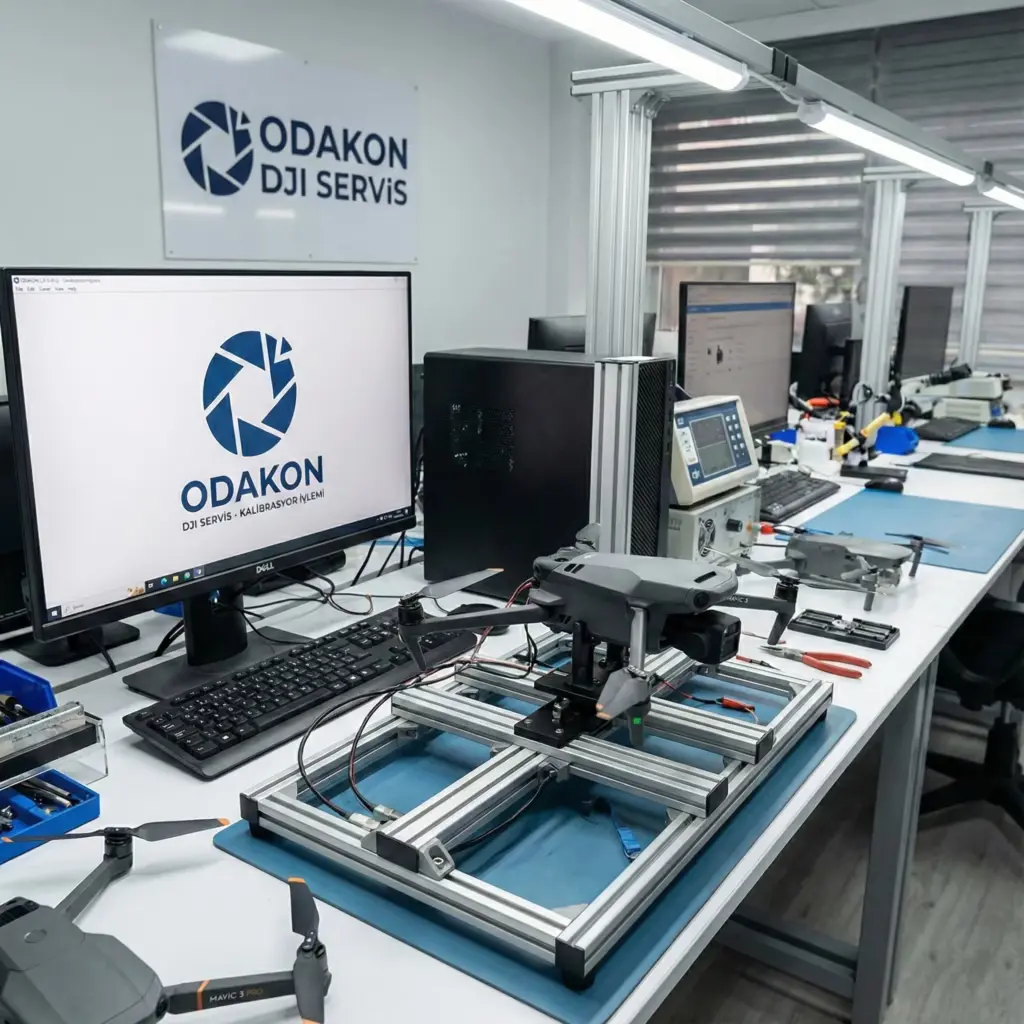
Odakon provides original spare parts and precision repair support for the Mavic Pro, Mavic 2, Mavic 3, and Mavic 4 Pro series.