
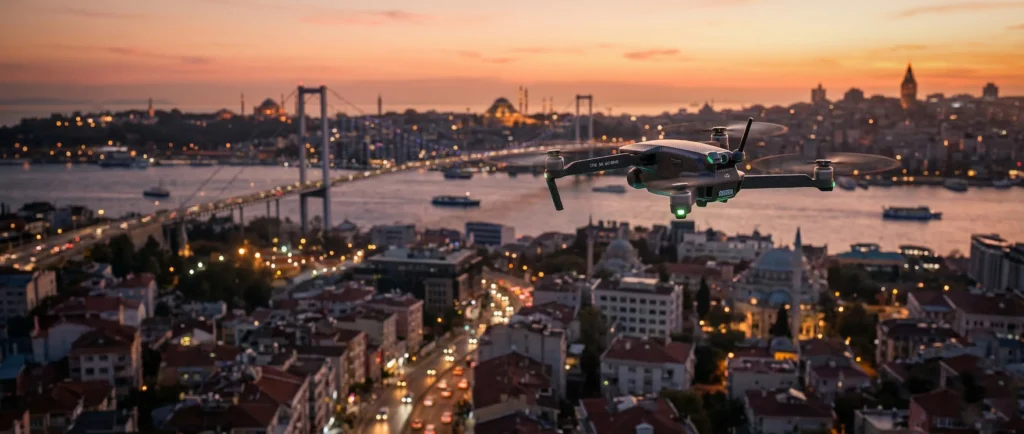
Short answer: An empty area on DJI FlySafe is not proof that a flight is legal. DJI GEO describes product-side warnings and restrictions. The legally controlling source is the aviation authority for the country and airspace where you plan to fly, together with current NOTAMs and temporary restrictions.
Verified August 23, 2026: This guide now follows DJI’s current FlySafe terminology. Deterministic claims about anti-drone systems, permanent aircraft seizure, and guaranteed firmware behavior were removed.
What DJI FlySafe actually does
DJI FlySafe is a geospatial awareness system used by supported DJI products. Depending on the aircraft, app, firmware, account status, location and zone type, it may display a warning, request an acknowledgement, limit altitude, require an unlock or prevent a flight action.
It is not a complete legal airspace database. DJI itself describes GEO information as advisory and tells pilots to check official laws and regulations. Sensitive or temporary restrictions may not appear on the public web map, and local authorities can impose restrictions at short notice.
DJI GEO zone colors and categories
| DJI layer | Typical product-side meaning | Legal permission? |
|---|---|---|
| Warning | The app may display a risk message. | No |
| Enhanced Warning | The app may ask the pilot to acknowledge responsibility or accept an additional warning. | No |
| Authorization | A verified DJI account or unlock process may be required. | No |
| Restricted | DJI may restrict takeoff or flight unless an eligible custom unlock is approved. | No |
| Altitude | The aircraft may receive an altitude warning or software limit. | No |
The exact behavior can differ between product generations and software versions. Do not use a color description as a guarantee of what every DJI aircraft will do.
DJI unlock and aviation authorization are separate
A DJI unlock only changes an eligible product-side GEO restriction for a defined account, aircraft, area and period. It does not issue an FAA, EASA, CAA, SHGM or other government authorization. Conversely, a government authorization may not automatically remove a DJI software restriction.
- Government/aviation authorization: determines whether the operation is legally permitted.
- DJI unlock: manages an eligible restriction in the DJI product ecosystem.
- Site permission: covers access to or takeoff from land and does not replace airspace authorization.
A safe preflight workflow
- Check the official aviation-authority map or approved service for the exact location, altitude, date and time.
- Check NOTAMs, emergency restrictions, event restrictions and local authority notices.
- Confirm operator registration, pilot competency, Remote ID and insurance requirements for the jurisdiction.
- Check DJI FlySafe for product-side warnings or unlock requirements.
- Confirm landowner/site permission and privacy rules.
- Repeat the checks immediately before flight; airspace status can change.
Airports, heliports and temporary restrictions
Distance from an airport pin is not enough to determine legality. Controlled airspace geometry, runway approach and departure paths, altitude, local procedures, heliports and temporary traffic measures can all change the answer. A clear DJI map does not prove that an unlisted heliport or temporary flight restriction is absent.
What happens near an anti-drone system?
There is no universal outcome. Counter-UAS systems can include detection, identification, direction finding and—where legally authorized—different mitigation technologies. The result depends on the system, aircraft, environment and authority operating it. It is inaccurate to promise that a drone will always be jammed, forced to land, taken over or permanently confiscated.
If control or navigation becomes abnormal, follow the aircraft manual and your approved emergency procedure. Do not intentionally approach critical infrastructure to “test” a restriction or mitigation system.
Frequently asked questions
Can I fly if DJI FlySafe shows no color?
No conclusion can be drawn from that alone. Check the official aviation source, NOTAMs and local restrictions.
Does a DJI unlock make my flight legal?
No. It only manages an eligible DJI software restriction.
Will every red zone block takeoff?
Do not assume identical behavior across every model and firmware version. Treat it as a high-risk DJI restriction and verify both DJI and legal requirements.
Official and authoritative links
This article is general safety information, not an individual flight authorization or legal opinion. The pilot/operator remains responsible for current official checks.